
How to
Automating a Sales Follow-Up Process
Last Updated: 10 November 2026
Quick Summary
To automate a sales follow-up, capture every enquiry in one place, then start a fixed sequence of three to five messages the moment a new lead arrives. Send the first message within minutes, space the rest over days, and stop the sequence as soon as the lead replies or books a call.
- Connect your website form, phone notes and email so every lead lands in one place.
- Send the first follow-up message within minutes of the enquiry arriving.
- Write three to five messages and space the later ones over several days.
- Set a stop rule that pauses the sequence once the lead replies or books a call.
- Review results monthly and change the weakest message first.
Table of Contents
- Speed of reply to a sales enquiry
- Setting up a sales follow-up sequence in five steps
- Sales follow-up email templates and tools to start with
- Frequently Asked Questions
Speed of reply to a sales enquiry
Speed matters. A lead who gets a reply within minutes stays engaged better than one who waits until tomorrow.
Automation handles the first response and follow-ups. Your team can step in when a real conversation is needed. A routine for checking pipeline gaps helps keep every enquiry moving after that first reply. An AI Chatbot can answer initial questions at any hour, so the enquiry doesn’t sit cold over the weekend.
Setting up a sales follow-up sequence in five steps
A sales follow-up sequence is a set of messages sent in a fixed order, triggered by an action like a form submission. You can see how lead follow-up is automated step by step before building your own. It keeps the lead warm without typing every message by hand.
- Capture every enquiry. Connect your website form, phone notes and email so each lead lands in one place.
- Set a trigger. Start the sequence the moment a new lead is created.
- Write three to five messages. Send the first within minutes, then space the rest over days.
- Add a stop rule. Pause the sequence as soon as the lead replies or books a call.
- Review the results monthly. Change the weakest message first.
A sequence that keeps messaging someone who has already replied damages trust fast. Always set the stop rule before you switch anything on.
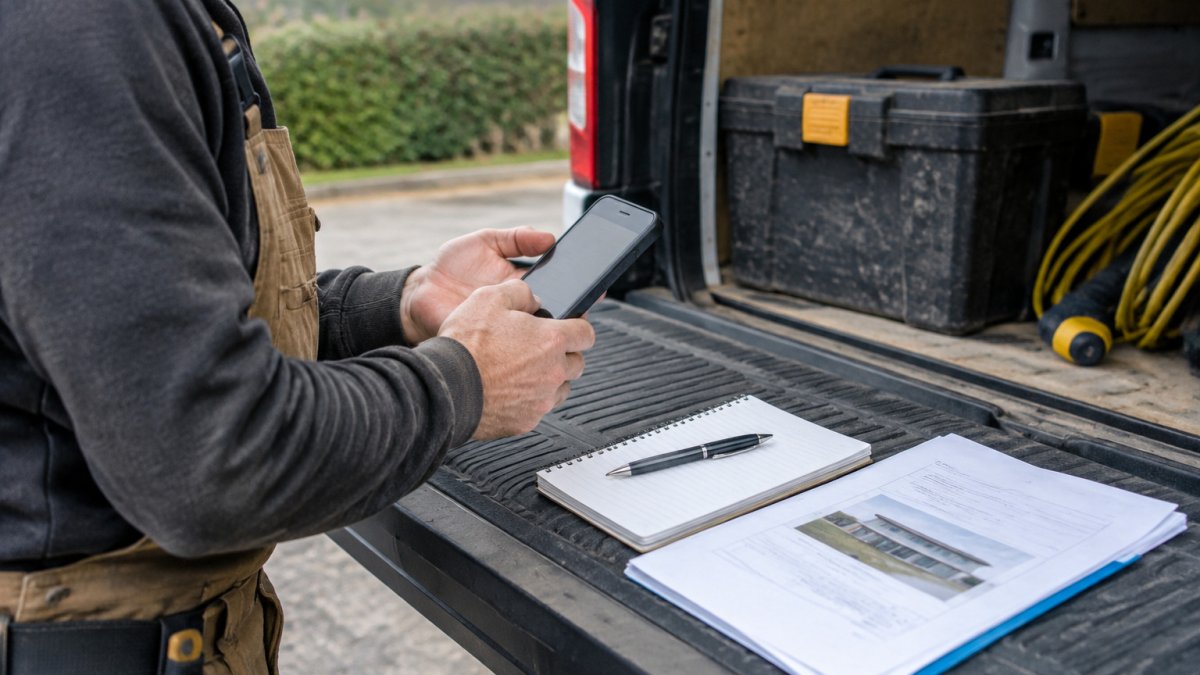
A tradesperson checking a phone on a van tailgate, with quote paperwork beside them
The article breaks setup into five steps, each with a rough timing or trigger.
| Step | What to do | Time or frequency |
|---|---|---|
| Capture every enquiry | Connect website form, phone notes and email | Ongoing |
| Set a trigger | Start the sequence when a new lead is created | At lead creation |
| Write three to five messages | Send the first, then space the rest | First within minutes, rest over days |
| Add a stop rule | Pause when the lead replies or books a call | Set before switching on |
| Review the results | Change the weakest message first | Monthly |
Sales follow-up email templates and tools to start with
Start with simple templates you can edit in a few minutes. A useful first message thanks the lead, confirms what they asked for, and asks one clear question.
Template example:
Hi [First name], thanks for getting in touch about [job]. Could you tell me the best time to call and the postcode for the work? I'll put a quote together straight away.
Keep your first set of tools small: a CRM (customer relationship management system) to hold leads, an email tool to send messages, and a way to score which leads are worth chasing. You can compare CRMs suited to small service businesses before choosing one. AdviserAlly combines these in one platform, with ABCRank scoring each lead from 0 to 100 so you know which enquiries to act on first. If you would rather have someone set this up with you, a done-with-you setup is also available.
Pick one template, one trigger and one stop rule, then add more once that runs smoothly.
Frequently Asked Questions
Automating sales follow-ups
Start by capturing every enquiry in one place, such as a CRM (customer relationship management system) that records each lead. Next, set a trigger so that a new enquiry starts a message sequence automatically. Each message should ask a single clear question, such as whether the customer wants a quote visit. Stop the sequence as soon as the lead replies, so a person can take over. Review the sequence every month, checking how many leads reply and how many become booked jobs.
Speed of follow-up with a new enquiry
Reply as quickly as your team can manage, and automate the first response so no enquiry waits unanswered. Speed-to-lead, the time between an enquiry arriving and someone responding, matters most in the first few minutes. A short automated acknowledgement can confirm receipt, followed by a personal call or message from your team. Later follow-ups can be spaced over several days, so you are not chasing the same person every hour.
Content of an automated sales follow-up email
Keep it short and specific to the enquiry. Thank the customer for getting in touch, restate the job they asked about, and ask one question that moves things forward, such as a suitable time for a site visit. Avoid pressure and long sales copy. Use a plain sender name that the customer will recognise, and include a clear way to opt out. Personalising the job type and location in the message makes it more likely to be read.
